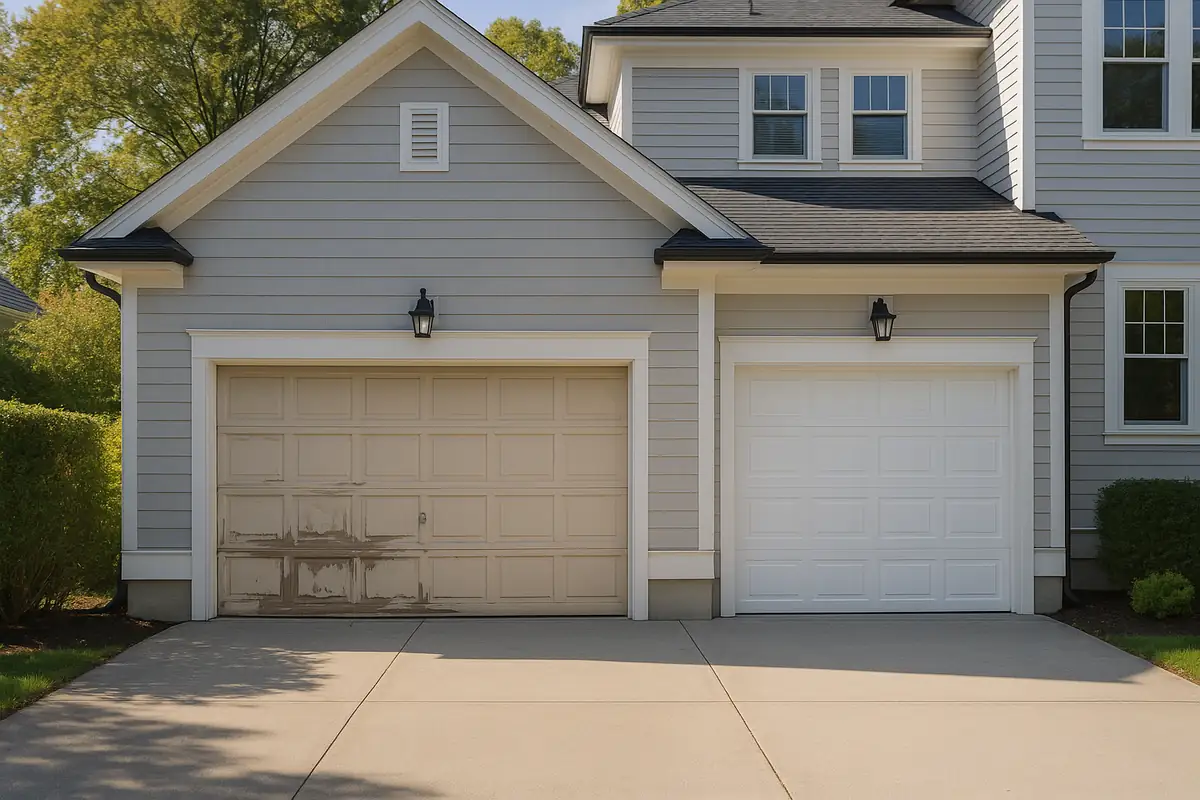
How to Program Your Garage Door Remote for Seamless Operation in Renton, WA

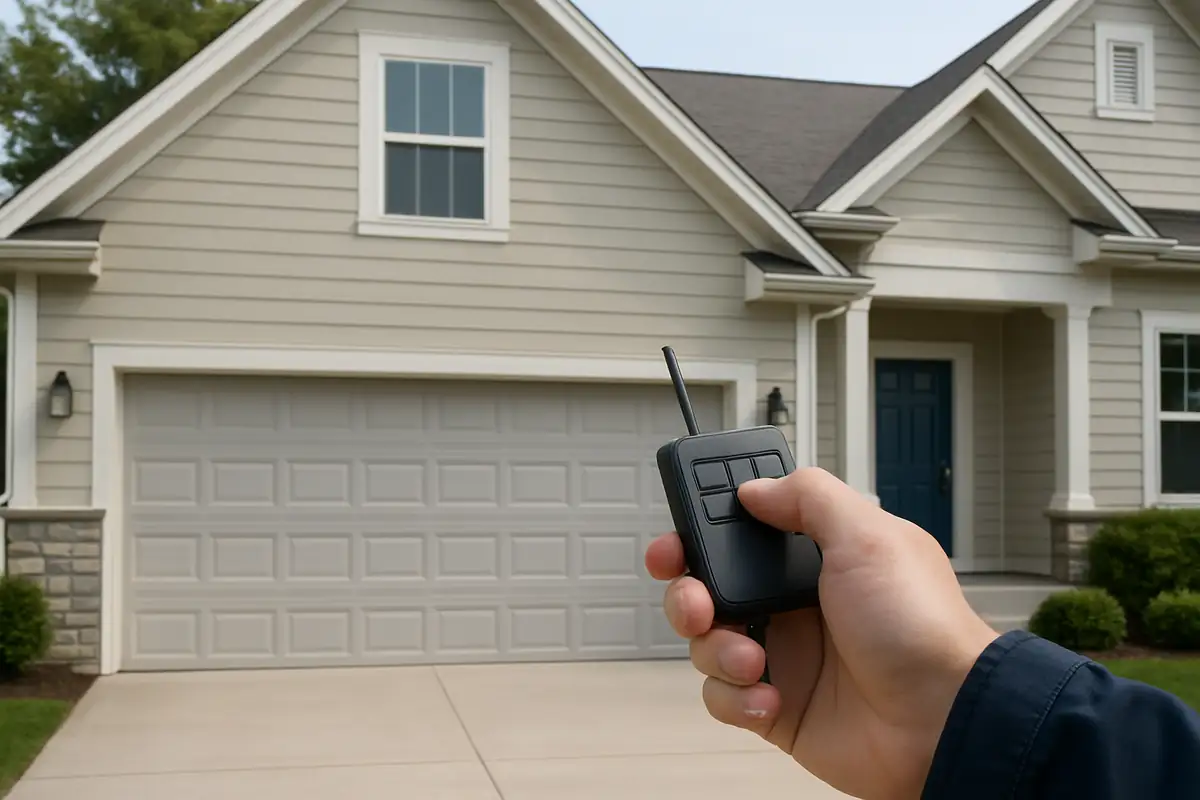
Understanding the Importance of a Functional Garage Door Remote
Your garage door remote is more than just a convenience; it's a crucial part of your home security system. In Renton, WA, where we experience various weather conditions, ensuring your garage door operates smoothly is essential for both safety and accessibility.
Statistics show that over 70% of homeowners use remote controls for their garage doors. However, many people struggle with programming these devices effectively. This guide will walk you through the necessary steps to program your garage door remote, ensuring you can open and close your garage effortlessly.
What You Need Before You Start
Before diving into the programming process, gather the following items:
- Your garage door remote
- Your garage door opener
- Step ladder (if needed)
- Owner’s manual (if available)
Step-by-Step Guide to Programming Your Garage Door Remote
1. Locate the Learn Button
The first step is to identify the 'learn' button on your garage door opener. This button is typically located on the back or side of the opener unit itself. It may be labeled as 'Learn', 'Program', or even indicated by a colored LED light.
2. Prepare Your Garage Door Remote
Once you've found the learn button, make sure your remote is ready. Some models may require new batteries, so check this before you proceed.
3. Press the Learn Button
Press the learn button on the garage door opener. The LED light should turn on or start blinking, indicating that the opener is in programming mode.
4. Program Your Remote
Within 30 seconds of pressing the learn button, press the button on your remote that you want to program. The light on the opener will either blink or turn off, confirming that the remote has been programmed successfully.
5. Test the Remote
Close the garage door and test your newly programmed remote to ensure it opens and closes the door as expected. If the remote does not work, repeat the steps to troubleshoot the issue.
Troubleshooting Common Issues
Even with the best instructions, issues can arise during the programming process. Here are some common problems and solutions:
- Remote Not Working: Ensure the batteries are fresh and properly inserted.
- Light Not Blinking: Press the learn button again; you may have missed the timing.
- Interference: Other electronic devices nearby may interfere with the remote, try moving away from them.
Advanced Programming Techniques
For those who want to delve deeper, here are some advanced techniques:
- Multi-Button Programming: Some remotes allow programming multiple doors. Follow the same learn button process for each remote button.
- Changing Codes: If you suspect someone else has access to your remote, consider changing the programming code for added security.
Maintaining Your Garage Door Remote
To ensure longevity and reliability, follow these maintenance tips:
- Regularly check the remote for physical damage.
- Clean the remote with a soft, damp cloth, avoiding excessive moisture.
- Store the remote in a dry, safe, and easily accessible place.
Conclusion
Programming your garage door remote can seem daunting, but with the right steps, it becomes an easy task. Following this guide will help you manage your garage door effectively and keep your home secure. If you encounter any issues or need professional assistance, don’t hesitate to reach out to Pablo & BIll Garage Door Repair. Our team of experts in Renton, WA, is here to help you with all your garage door needs!
Explore More Resources
Related Articles
Service Areas
We proudly serve Renton, Maplewood, Maplewood Heights, Benson Hill, Kennydale and more areas.
Our Services
Professional garage door repair, spring repair, opener installation and more. View all services →
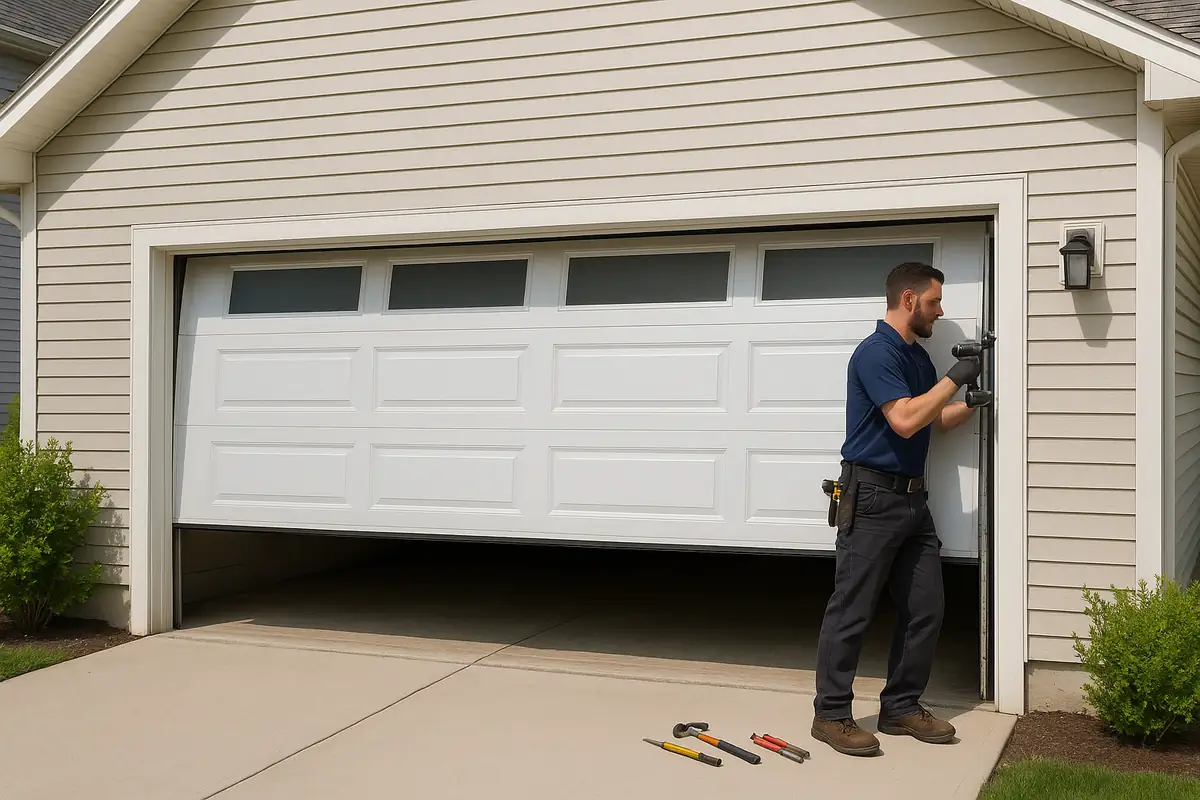
Garage Door Automation and Smart Home Integration in Renton, WA - Pablo & Bill Garage Door Repair
Essential Garage Door Spring Maintenance Guide | Pablo & Bill Garage Door Repair